# 跨平台修图软件GIMP及其批处理插件
# 1.GIMP简介与安装
GIMP (opens new window) 全名GNU Image Manipulation Program (GIMP),是跨平台win/linux/mac os的开源免费修图软件,其属于GNU软件套件系列,一定程度上可以媲美商业软件PS。
linux下的安装可以通过flatpak (opens new window)来进行,先在官网下载安装脚本,
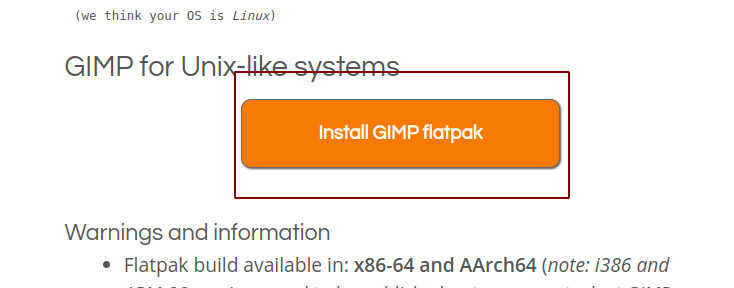
如果linux下已安装flatpak,双击下载的文件会自动进行安装。若没有安装flatpak,需先手动安装flatpak (opens new window),
sudo apt-get install flatpak
若双击没有安装,可使用如下命令:
flatpak install https://flathub.org/repo/appstream/org.gimp.GIMP.flatpakref

安装完成后就可以在应用程序中找到GIMP了
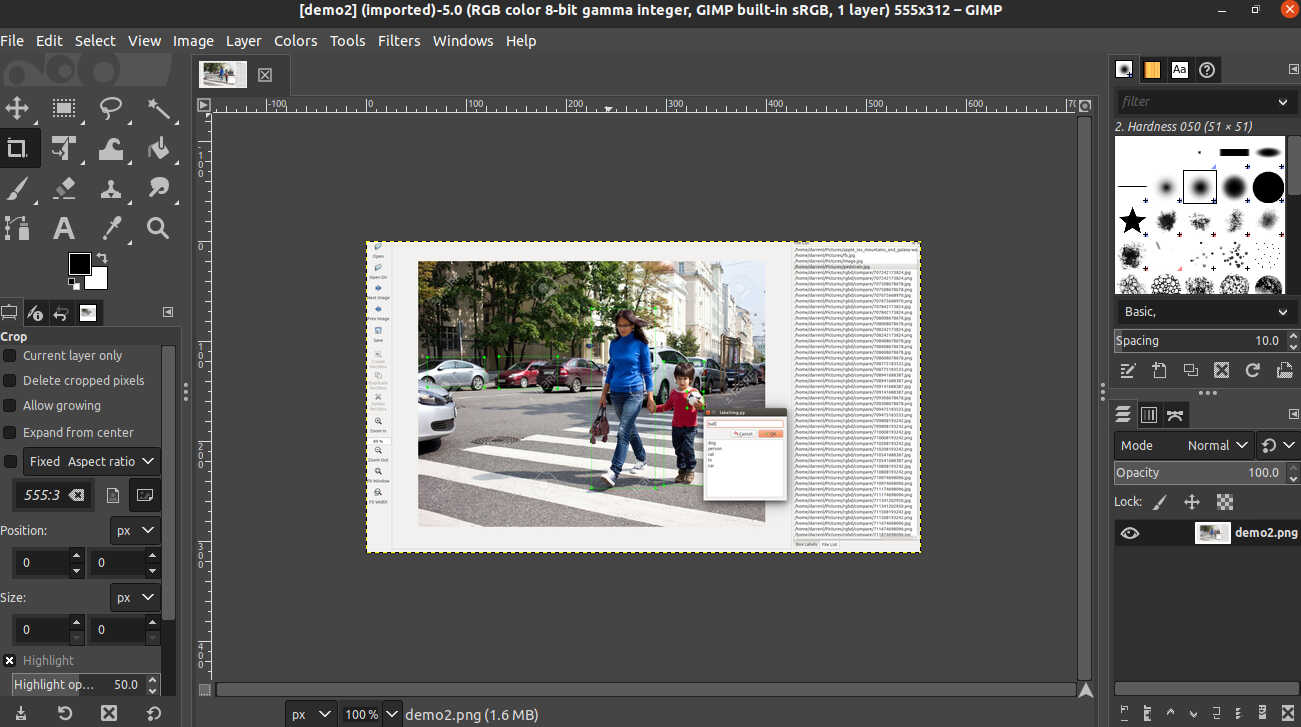
若找不到,可通过flatpak来启动。
flatpak run org.gimp.GIMP//stable
# 2.安装批处理插件gimp-plugin-bimp
# 2.1 windows下安装
windows下安装很简单,直接在gimp-plugin-bimp release (opens new window)页面下载编译好的包安装即可。

# 2.2 Linux下安装
linux下需要自己编译源码安装。
- 先安装gimptool
sudo apt-get install libgimp2.0-dev libgegl-dev
下载源码并解压https://github.com/alessandrofrancesconi/gimp-plugin-bimp/releases/ (opens new window)

tar -zxvf gimp-plugin-bimp-2.6.tar.gz
cv  gimp-plugin-bimp-2.6
make && make install
安装完成后,重新打开
GIMP
使用,可以批量
resize/加水印/锐化/平滑/格式转换等

# 参考资料
GIMP窗口设置 →